
-
Open the SLS Hub
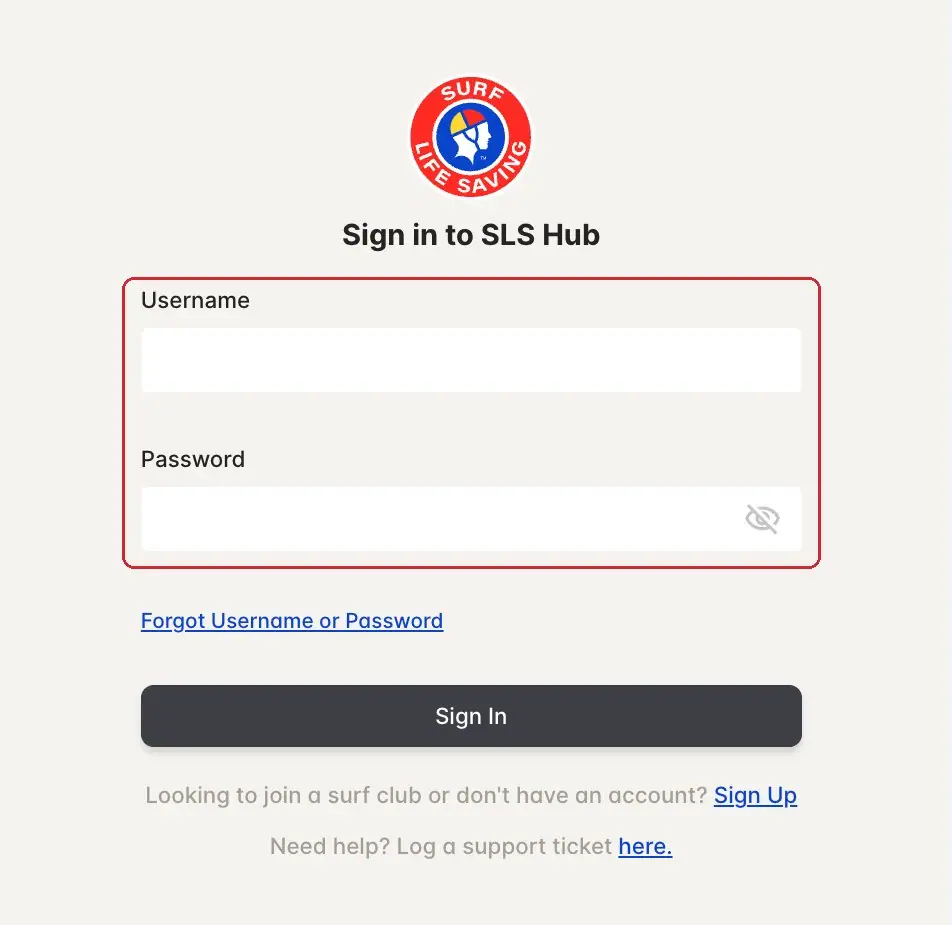
SLS Hub › Sign inGo to hub.sls.com.au (opens in a new tab). This is where you join the club, renew, do eLearning and check your awards.
Already have an account? Type your username and password, then tap Sign In.
-
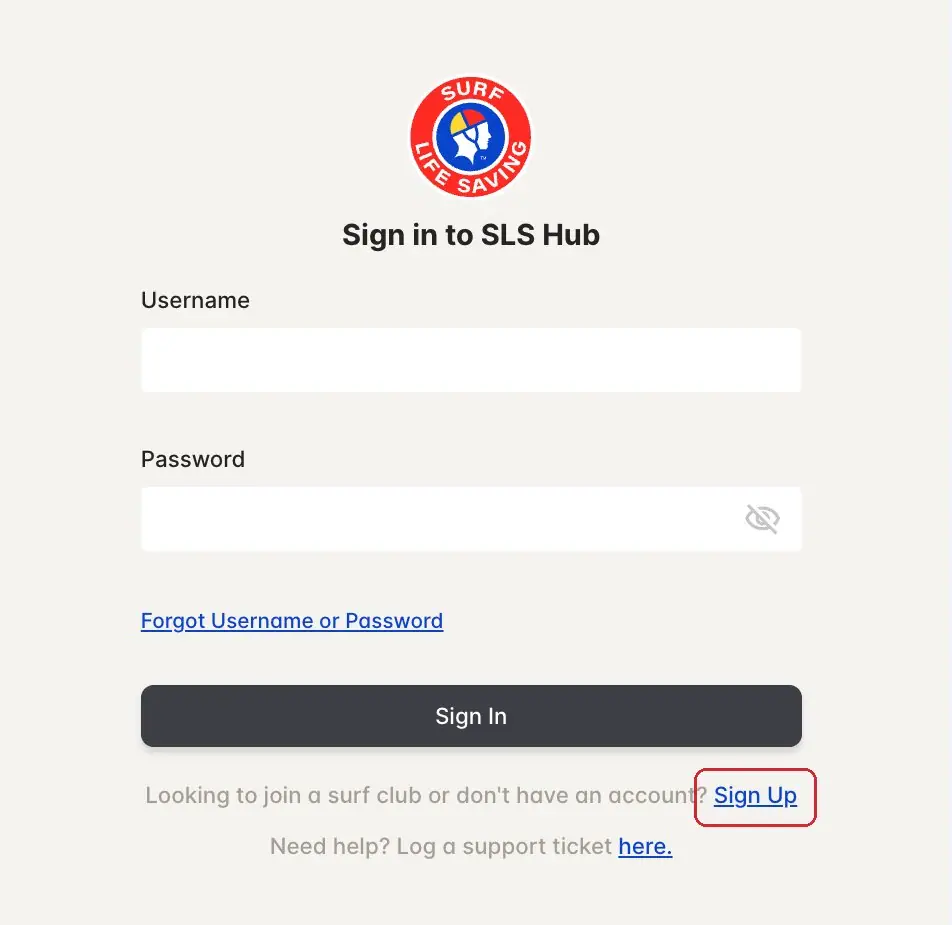
New? Tap Sign Up
SLS Hub › Sign inNo account yet? Under the Sign In button, tap Sign Up.
One account per person. If you've been a member of any surf club before, you probably have one already: try Forgot Username first.
-
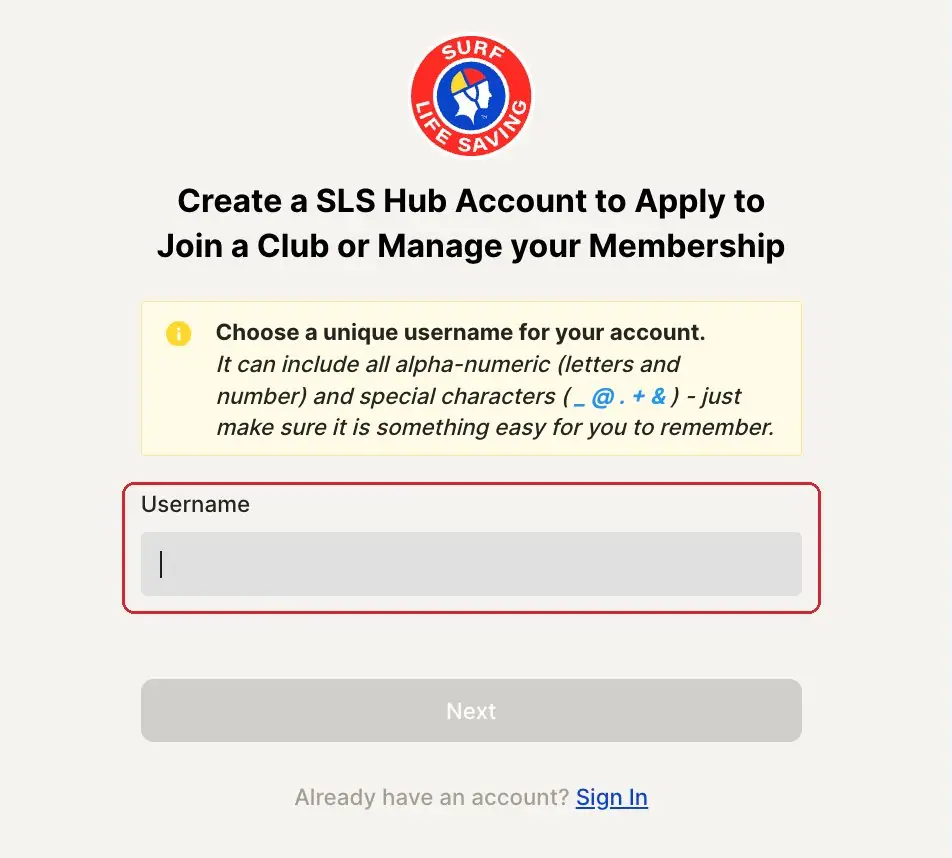
Choose a username
SLS Hub › Sign upPick a username you'll remember. It can use letters, numbers and _ @ . + &.
Tap Next and follow the screens to add your details. Use an email address you check: the Hub emails you if you forget your username.
-
Forgot your password?
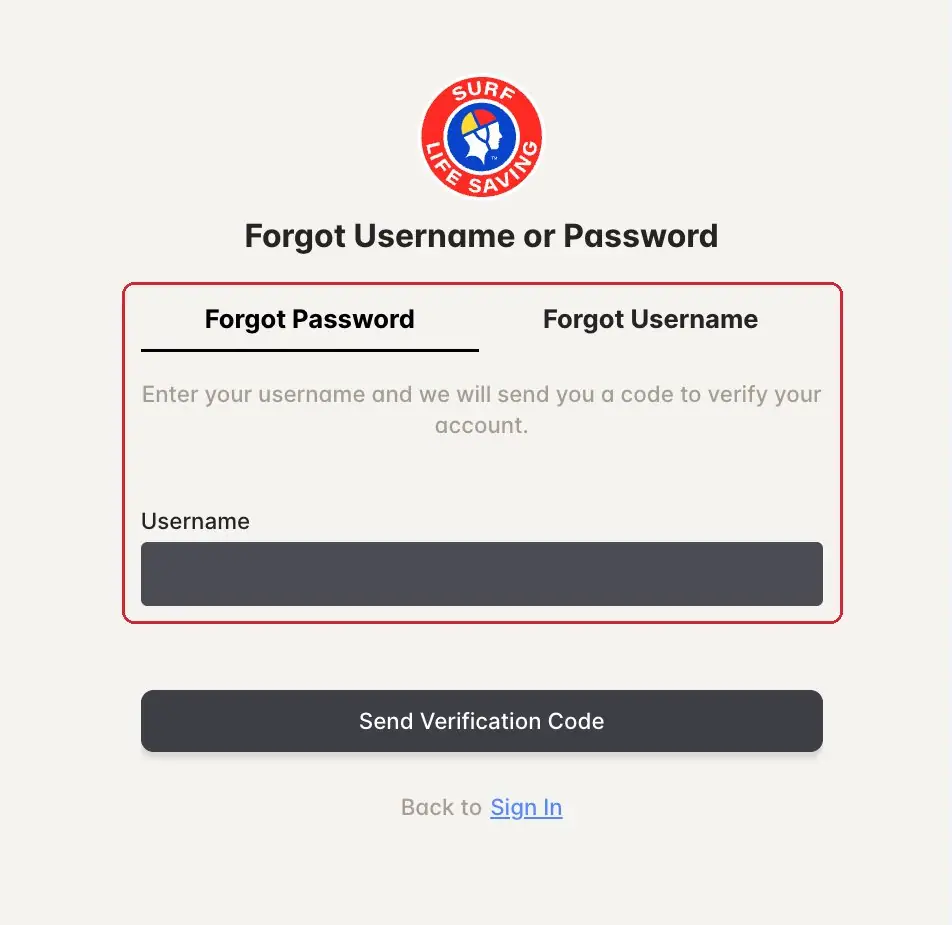
SLS Hub › Forgot Username or PasswordOn the sign-in page, tap Forgot Username or Password.
Stay on the Forgot Password tab, type your username and tap Send Verification Code. The Hub sends you a code to set a new password.
-
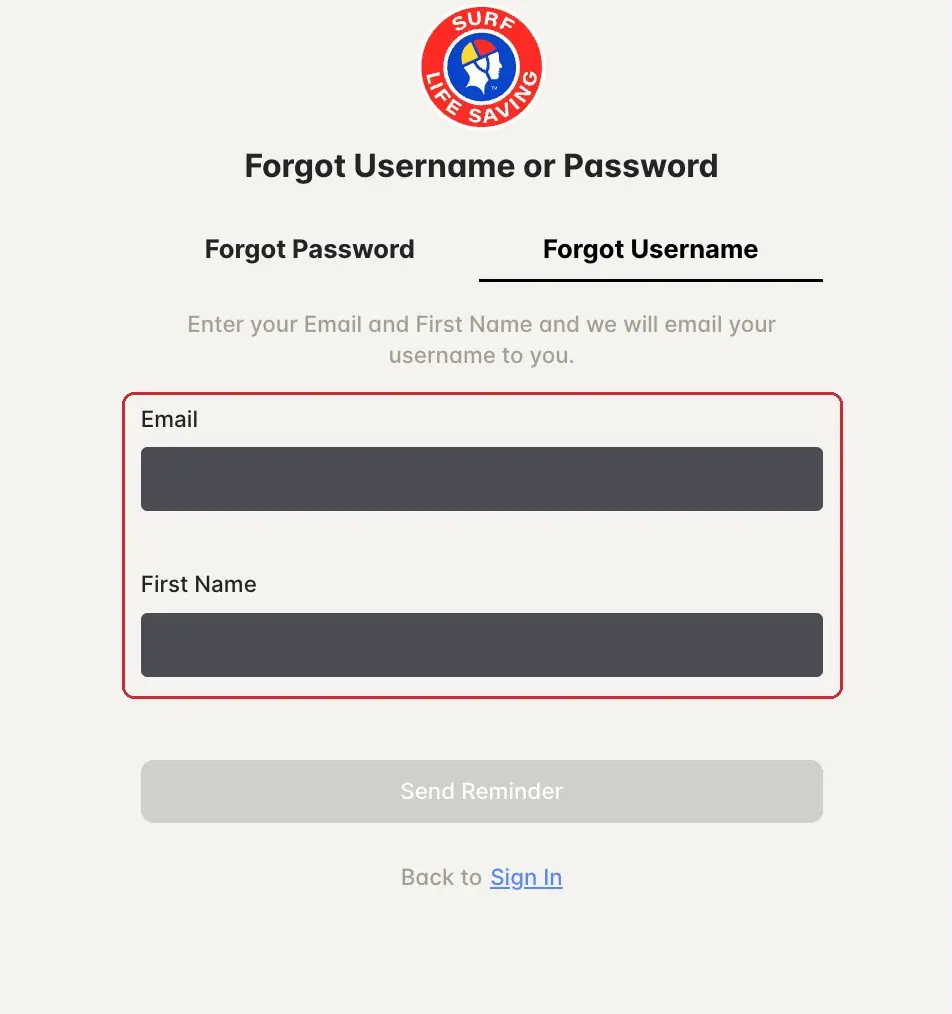
Forgot your username?
SLS Hub › Forgot UsernameTap the Forgot Username tab. Type your email and first name, then tap Send Reminder.
The Hub emails your username to you. Check your junk folder if it doesn't arrive.
-
Still stuck?
SLS support or the club officeThe SLS Hub is run by Surf Life Saving Australia. For login problems, log a support ticket (opens in a new tab) (the link is at the bottom of the sign-in page).
For anything about your club membership, email enquiries@ncslsc.com.
Pictures: screenshots of the SLS Hub (Surf Life Saving Australia), captured by North Cottesloe SLSC.