
-
Check this is you
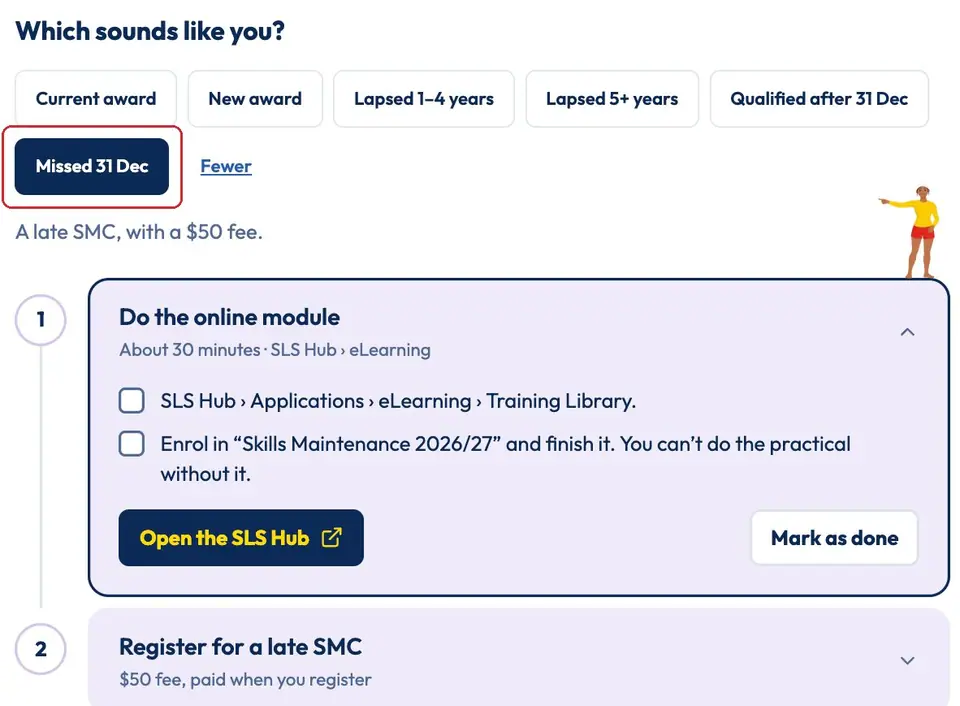
learn.ncslsc.com › SMCOn the SMC page, tap Missed 31 Dec. A late SMC has a late fee.
Don't wait: if you're an Active Member, your membership is put on hold from 31 December and ends after a month if you're still not proficient (By-law 11.3).
-
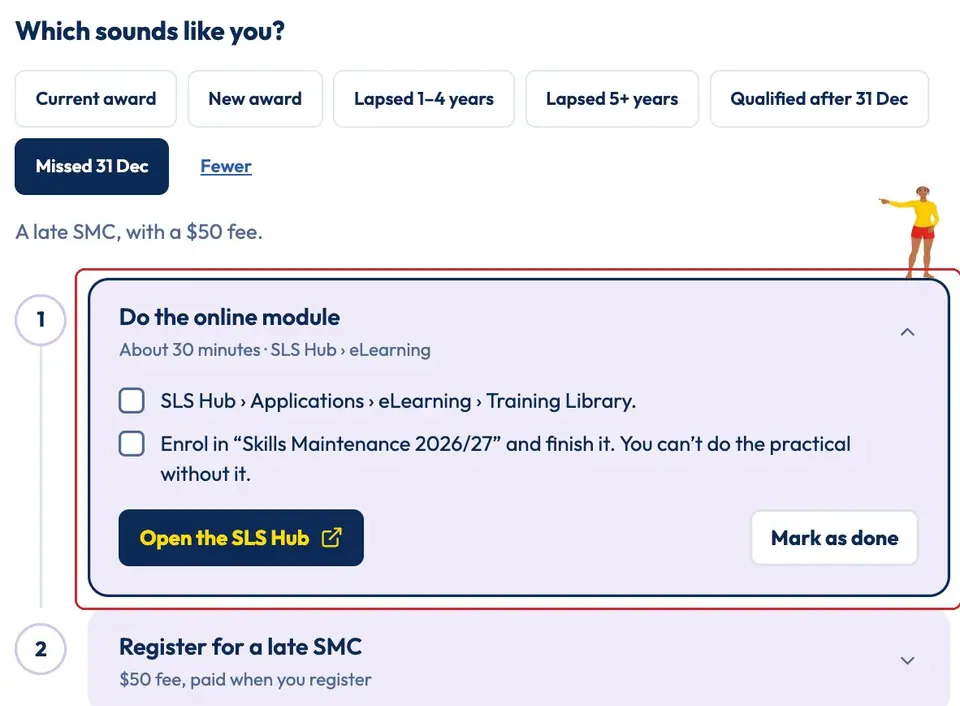
Do the online module
SLS Hub › eLearningIn the SLS Hub go to Applications › eLearning › Training Library. Enrol in “Skills Maintenance 2026/27” and finish it. You can't do the practical without it.
Need help? See Do your SMC eLearning.
-
Open the late SMC form
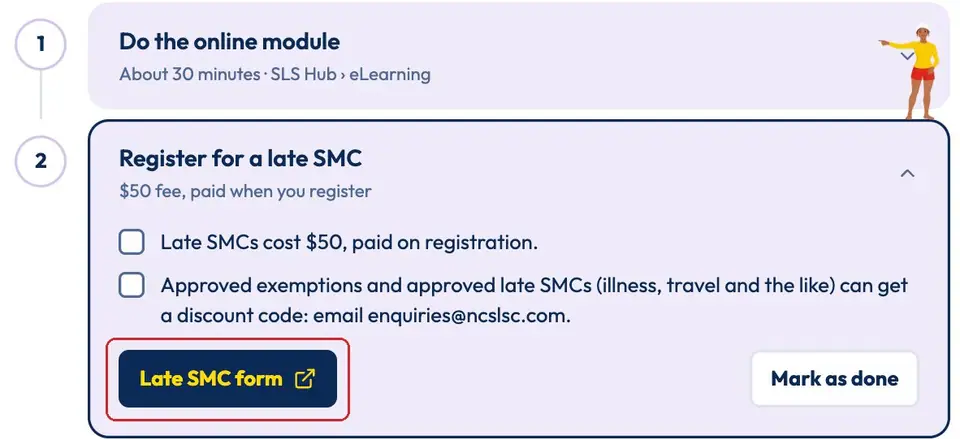
learn.ncslsc.com › SMCOpen step 2, Register for a late SMC, and tap Late SMC form.
Had an approved exemption, or approval for a late SMC (illness, travel and the like)? Email enquiries@ncslsc.com for a discount code before you pay.
-
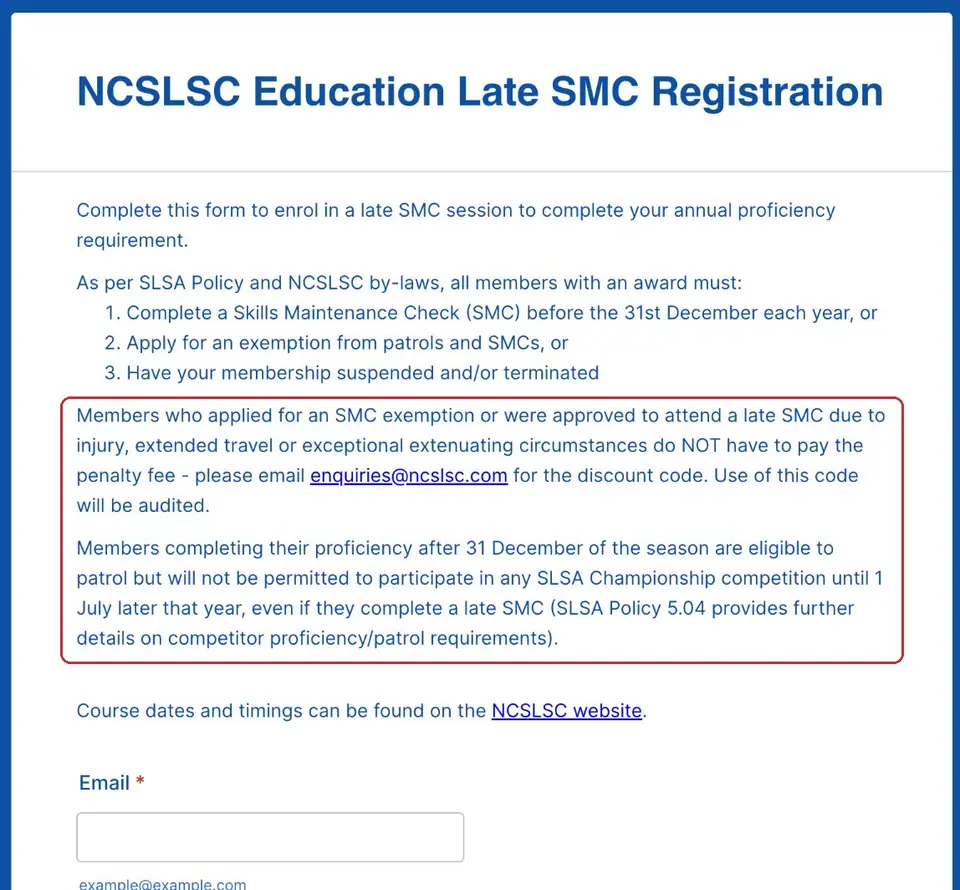
Read the rules at the top
Club formOnce you've done a late SMC you can patrol again. But under SLSA rules you can't compete in SLSA Championship events until 1 July.
Fill in your email, name, award (Bronze or SRC) and whether you have an SLS account.
-
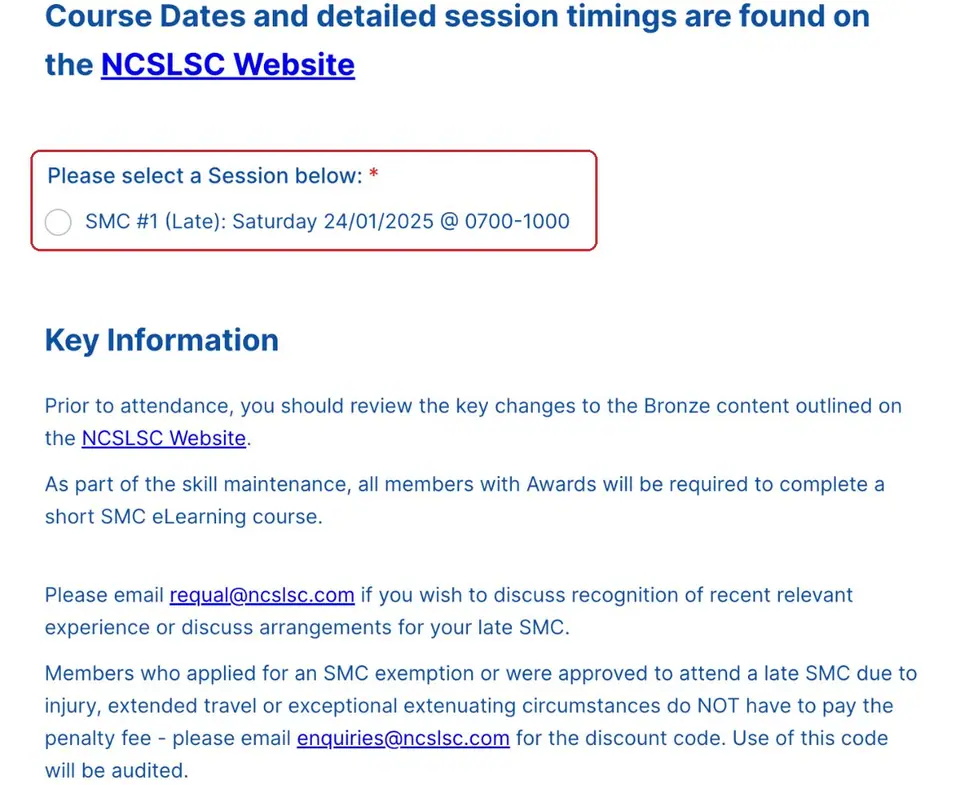
Pick the late session
Club formChoose the late SMC session listed on the form.
Can't make it? Email requal@ncslsc.com to sort out another time.
-
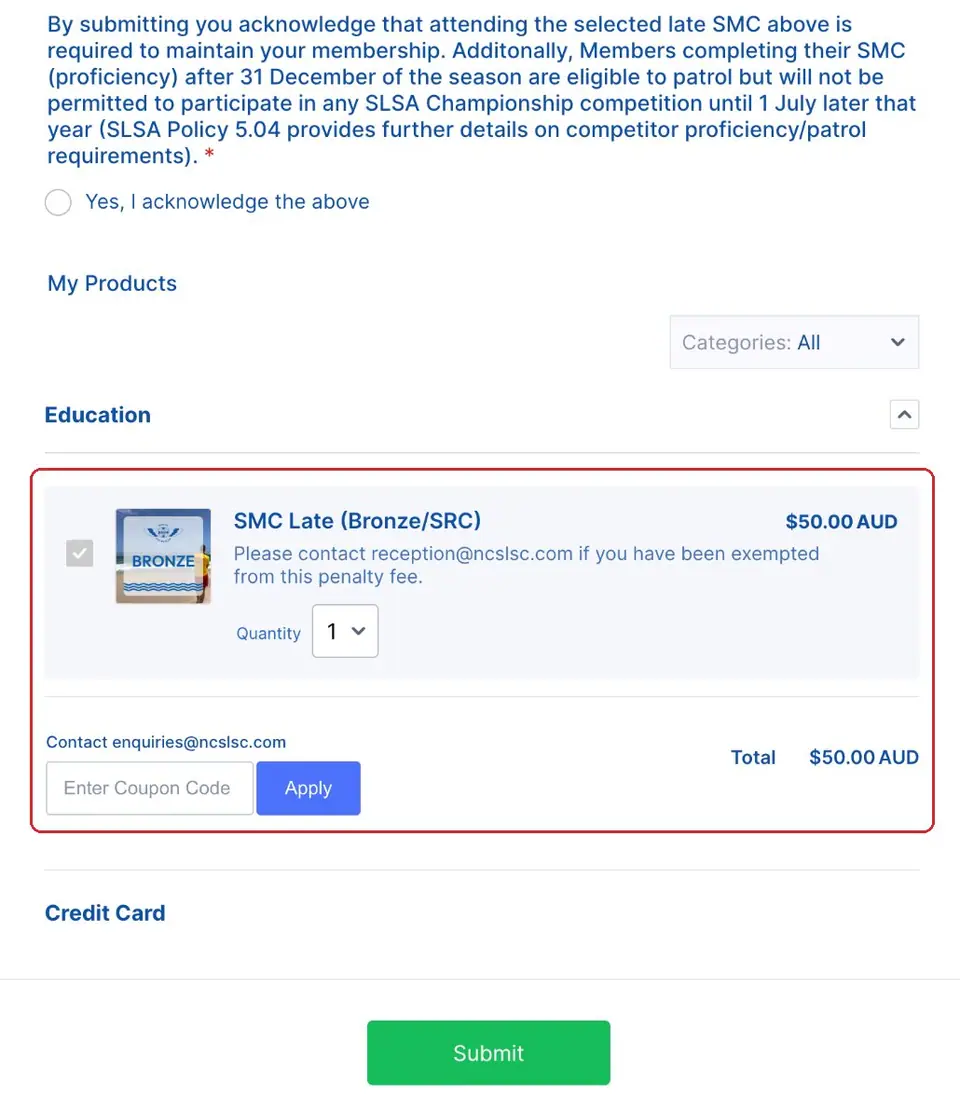
Tick the box, pay and submit
Club formTick “Yes, I acknowledge the above”. The form shows the late fee.
Got a discount code? Type it in Enter Coupon Code and tap Apply. Then pay by card and tap Submit.
Pictures: screenshot of learn.ncslsc.com (North Cottesloe SLSC); screenshots of the club's Jotform registration forms, captured by North Cottesloe SLSC.